MAKE YOUR MACHINE WIRELESS
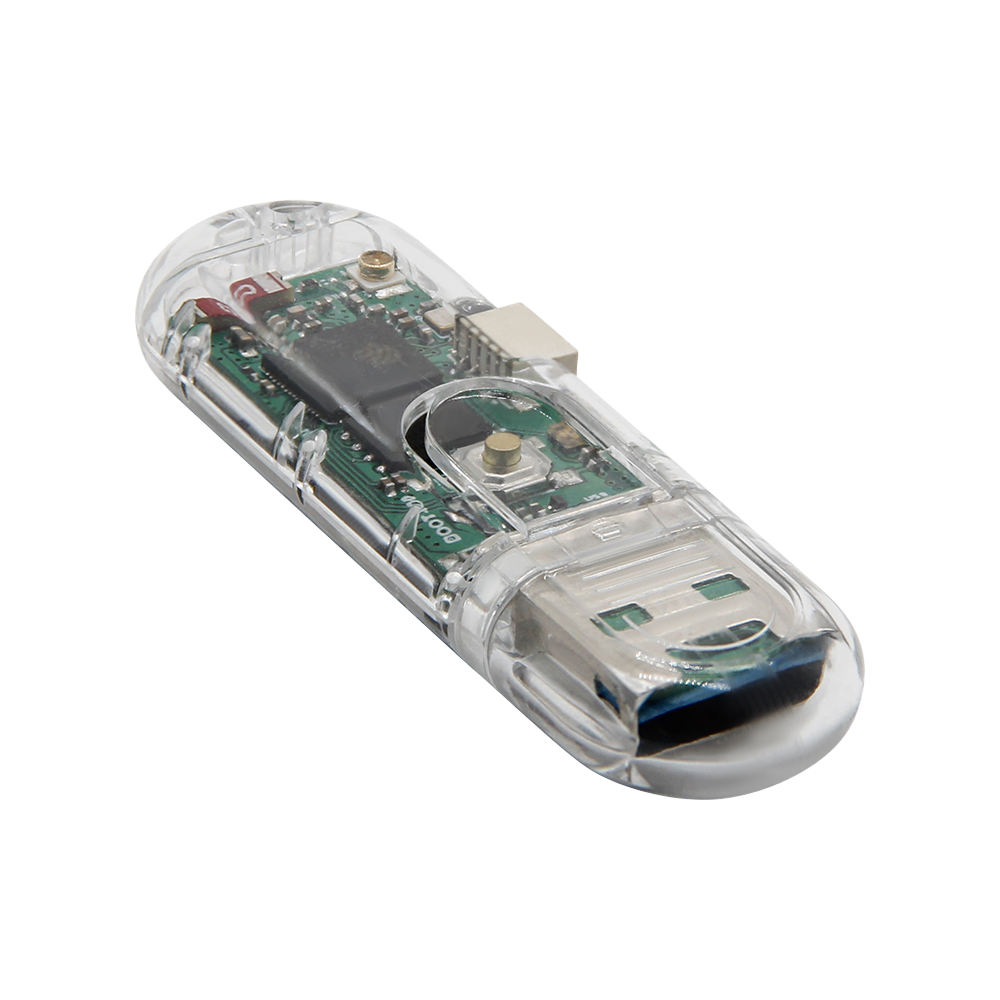
Install Ember Link on a LILYGO T-Dongle-S3, then choose how to set it up. No terminal or desktop installer required.
You will need a few things first:
- A LILYGO T-Dongle-S3 (the version with a screen is recommended and tested)
- A microSD card with a capacity your embroidery machine supports
- A computer running a compatible desktop browser, such as Chrome or Edge, and a USB data connection
Start with Ember Link
Hold while plugging the dongle into your computer, then release it.
Checking the current release…
Compatible Ember Link installations keep their saved settings and cloud connection. Blank boards are set up after installation. Recognized preloaded firmware needs your approval before first installation. Other unrecognized installations stop without writing.
Set up this new board
Recognized preloaded firmware was found. Installing Ember Link will erase this board’s internal firmware and settings. Its microSD files will stay unchanged.
Already used this board with Ember Link? Cancel and contact support to protect its cloud connection.
Prepare your microSD
After installation, unplug and reconnect normally. Wait for startup, then press and release twice within one second.
An already compatible card can be used without erasing it.
After the maintenance restart, connect again above. Link disconnects Wi-Fi and USB storage while preparing the card. Do not remove or swap the card while powered.
Rename an existing FAT32 card without erasing its files. Enter card maintenance first. Requires firmware with card naming support.
Where will you send from?
Disconnect USB before opening Ember or Bridge.
After installation, unplug and reconnect normally. Wait for startup, then press and release twice within one second to enable USB setup.
Keep it simple with Ember
Continue in the Ember web app to configure Wi-Fi and link an eligible device to your account. Cloud delivery requires separate device enrollment and Ember Pro. Installing firmware alone does not enroll a DIY board.
Keep it local with Bridge
Open Ember Link in the free Bridge app to configure Wi-Fi and pair your dongle for local transfers. No Ember account or Pro subscription is needed.
Open Ember Bridge · Download Bridge
Already running Ember Link? Go straight to setup. You do not need to reinstall firmware or erase settings.
When setup is complete, safely eject the drive and move Link to your machine without holding . Your machine must support the card and design format.